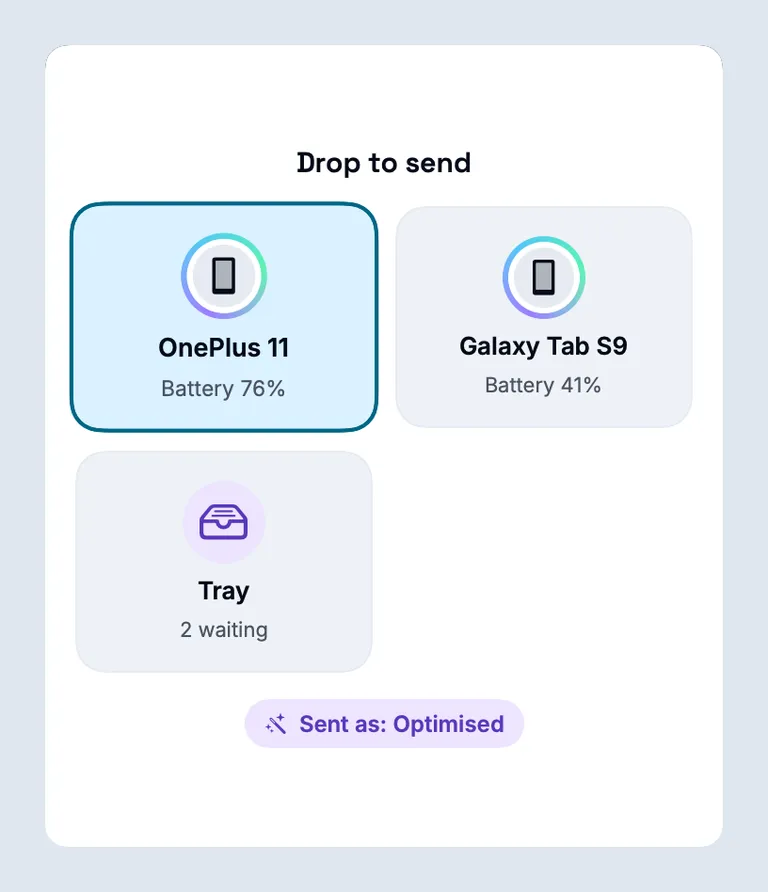
Your Android’s files, open on your Mac.
Free and open source. No cable, no account, and it works away from home too.
For macOS 13+ and Android 8.0+. Beta 19; there is no stable release yet.
View on GitHub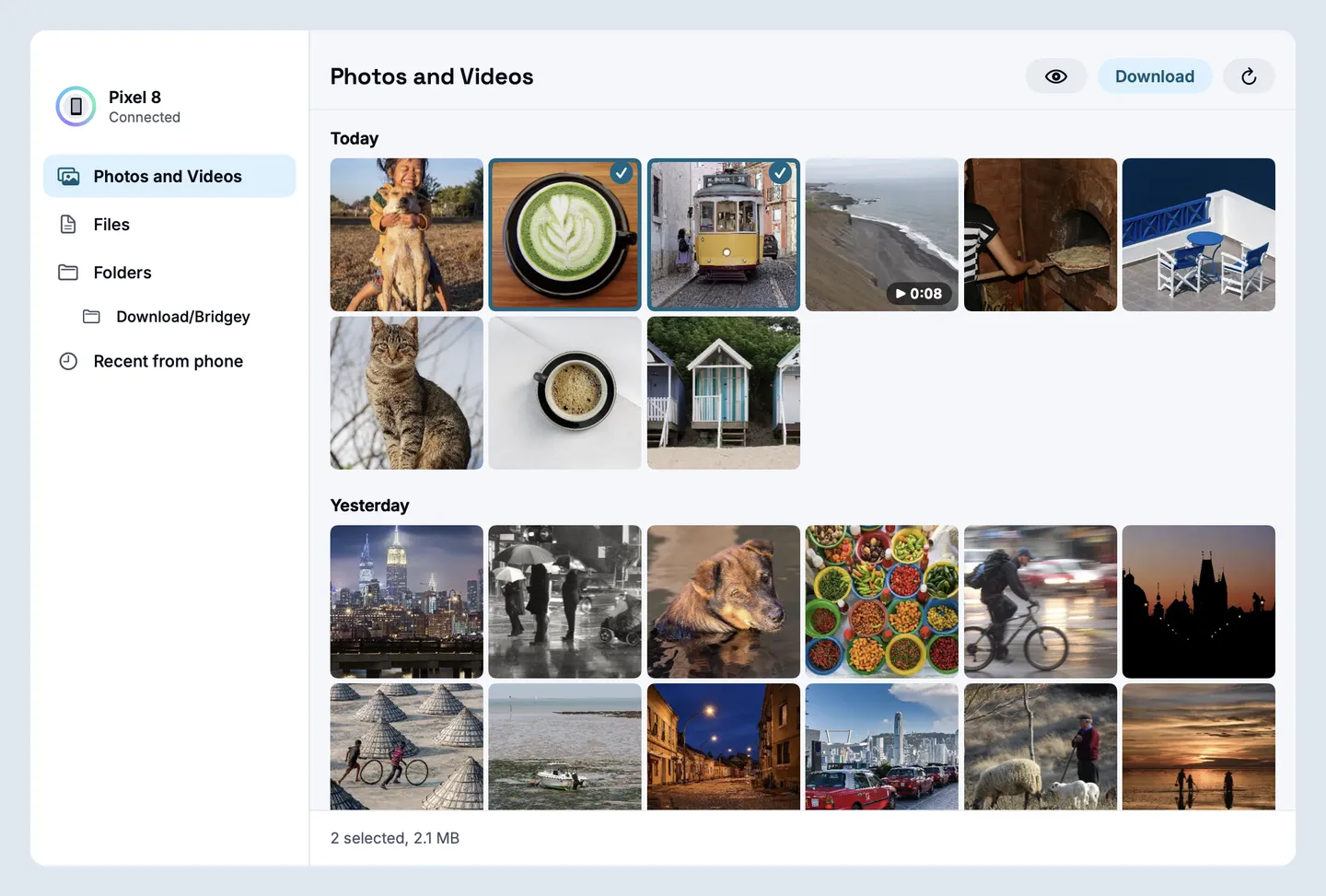
Copy on the phone, paste on the Mac.
And the other way, text, pictures and files. Passwords and other copies marked sensitive stay put.
How copy and paste works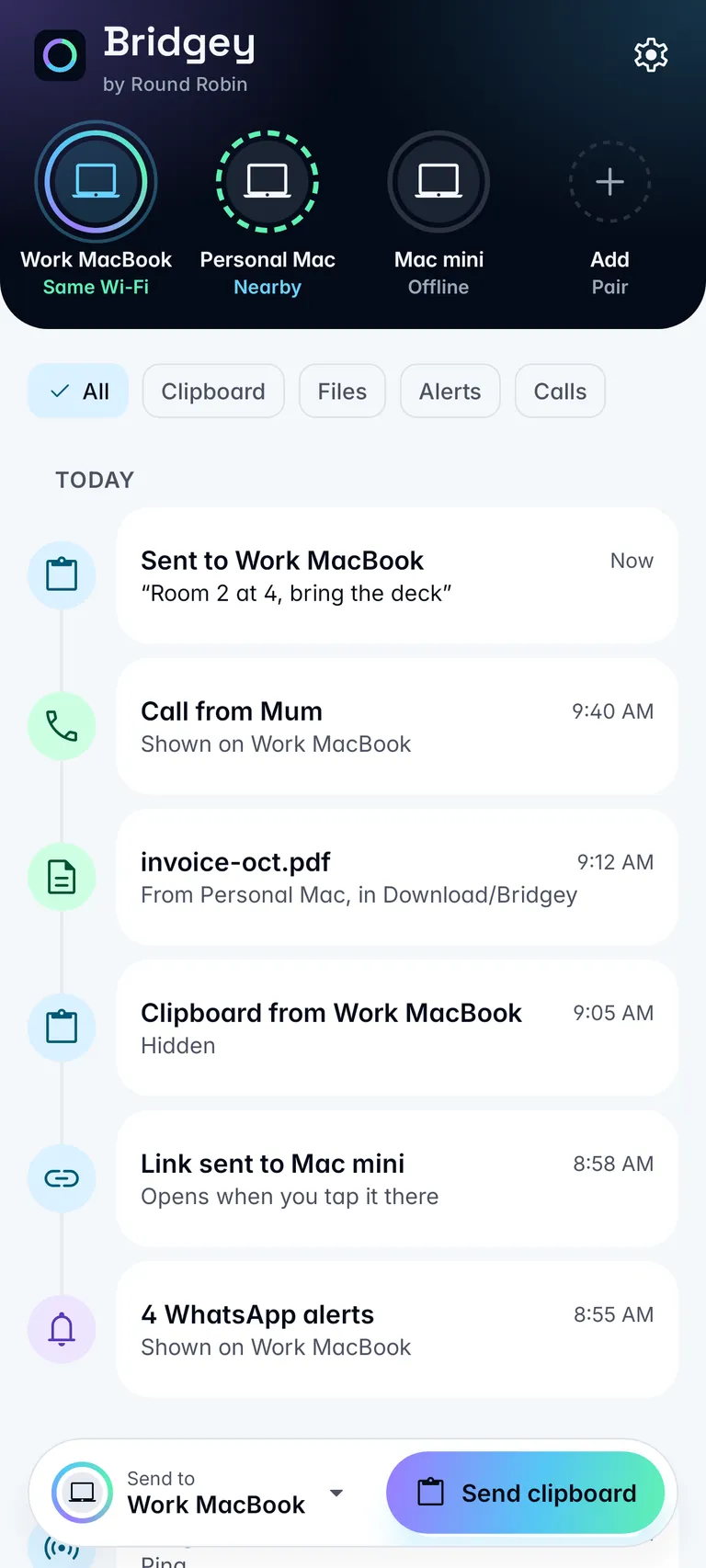
A code arrives. Your Mac has it.
Sign-in codes from your texts and email notifications show on the Mac, ready to copy. A model on your Mac reads them.
How codes work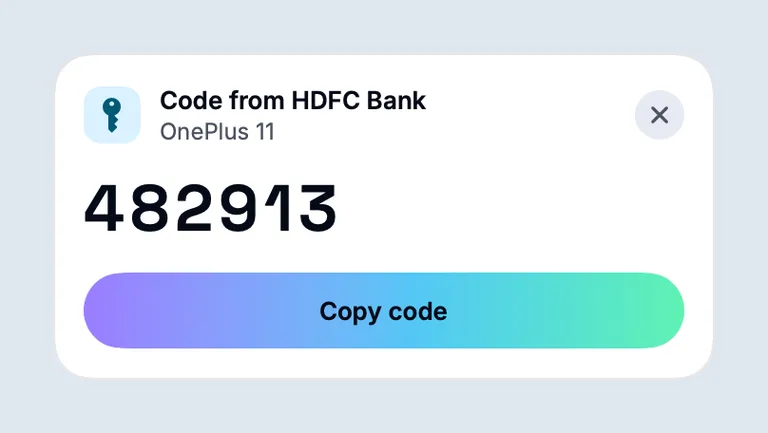
The rest of your phone, on the Mac.
Notifications
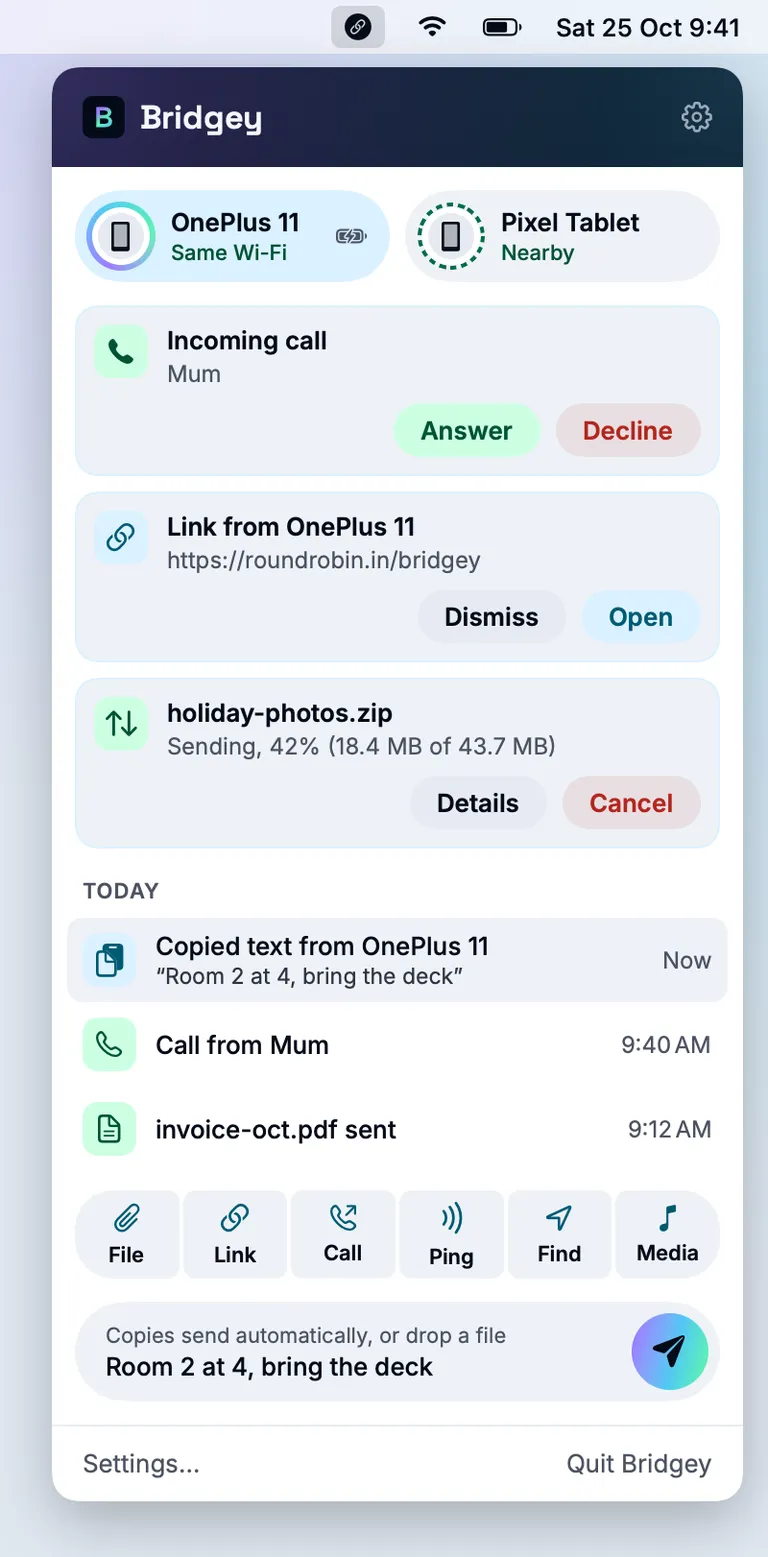
Read them on the Mac, reply or dismiss. Dismissals sync both ways.
Notifications guideTexts
Turn them on, then read and reply on the Mac. Group chats are read-only there.
Texts guideCalls
See who is calling, then Answer, Decline or Hang Up. Send a number to the phone to call it.
Calls in the user guideAway from home
Directly, or through our relay, which only sees encrypted data. One switch turns it off.
Privacy and security
Four ways in.
Each one installs the same beta.
Homebrew
brew install --cask round-robin-solutions/tap/bridgey-rrMac download
Drag it to Applications. The first time, right-click it and choose Open.
Download the DMGAndroid download
Download the APK on the phone and open it.
Download the APKObtainium
Add the Beta link and it keeps Bridgey up to date.
Add to Obtainium
Before you install.
All questionsHow do I transfer files from Android to Mac without a cable?
Install Bridgey on both, pair them once with a six-digit code, then open Phone files on the Mac to see the phone’s photos, videos and folders and drag them out. To send the other way, drop files on the phone’s tile on the Mac. Files land in Download/Bridgey on the phone and Downloads/Bridgey on the Mac.
Can I see my Android notifications on my Mac?
Yes. Turn on Notification forwarding on the phone and choose which apps show on the Mac. You can reply to, act on or dismiss a notification from the Mac when the phone app offers that, and dismissals sync both ways.
Notifications guideCan I text from my Mac with an Android phone?
Yes, once you turn Text messages on, on both devices. You read your conversations on the Mac and reply there; replies go out through your phone. Group conversations can be read on the Mac and answered on the phone.
Texts guideHow is Bridgey by Round Robin different from Bridgey?
It is a separate app built on Bridgey by Semyon Mikhailov, and it pairs with the original. It adds a Phone files window on the Mac, texts, sign-in codes, connecting away from home and in-app updates. Both can be installed side by side, but only one can run on a Mac at a time because they use the same port.
Beta 19 is out.
Bridgey by Round Robin
Beta 19,
macOS 13+ and Android 8.0+
MIT licence. No stable release yet.
Built on Bridgey by Semyon Mikhailov, under the same MIT licence. What is new in beta 19